Zepto Amazon Pay Gift Card Activation & Redemption Guide
Learn how to easily activate and redeem your physical Amazon Pay Gift Card ordered from Zepto. Follow our step-by-step QR code and SMS guide to credit your balance instantly.
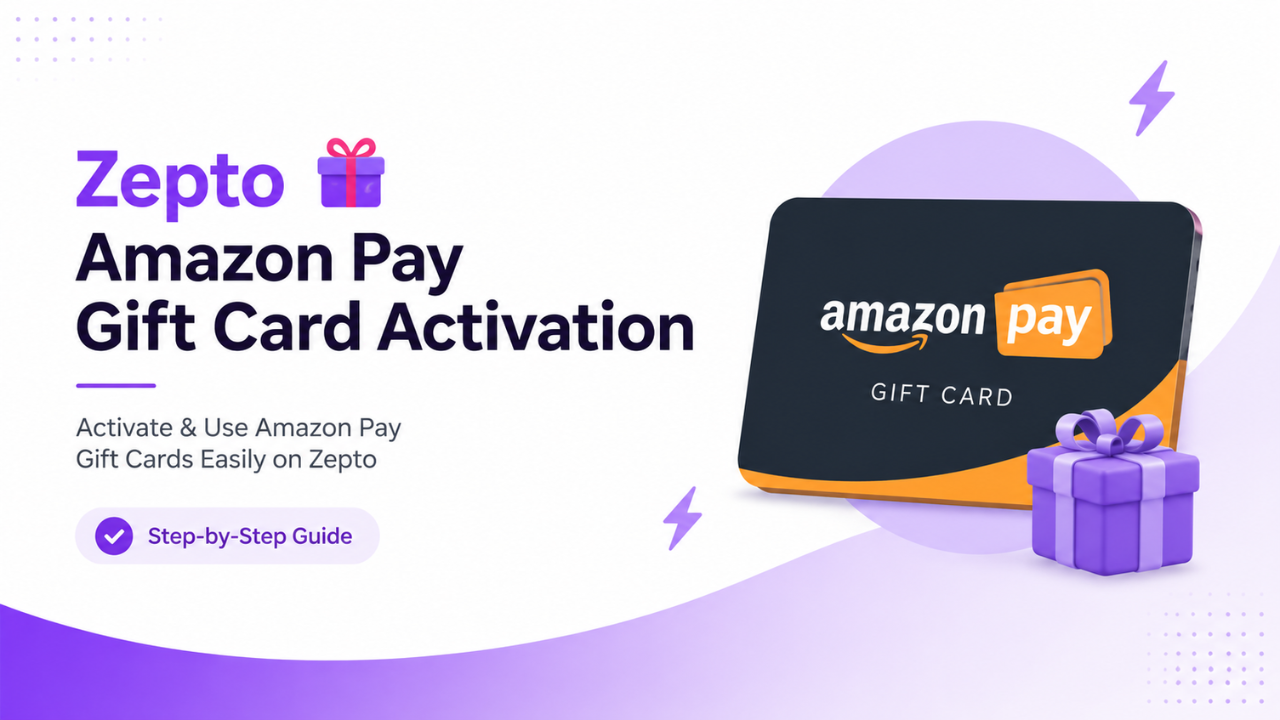
Due to the incredible discounts and cashback offers available on Zepto, purchasing Amazon Pay Gift Cards has become a highly popular Savings Hack. However, many users face a common issue when their physical card arrives: they try to redeem the code directly on Amazon and encounter errors. This happens because the physical card must be activated before it can be successfully claimed.

Step 1: How to Activate Your Physical Gift Card
There are two official and hassle-free methods to activate your physical voucher before claiming your balance. Use either of the techniques shown below:
Method A: Scanning the QR Code (Fastest)
- Open the default Camera App or any QR code scanner on your smartphone.
- Scan the QR Code printed clearly on your physical card or handbook.
- The scan will automatically redirect you to your messaging app with a pre-filled SMS.
- Simply tap the "Send" button to complete the activation process.
Method B: Activating via Manual SMS (Alternative)
If you face any issues scanning the QR code, you can manually trigger the activation by sending a text message.
- Recipient Number: Send the SMS to 9972014000.
- Reference ID: This is a unique 16-digit numerical code printed on your physical card, starting with 601.

Step 2: How to Redeem the Balance in Your Amazon Account
Once you receive a confirmation message stating that your card is active, follow these steps to add the funds to your Amazon Pay wallet:
- Locate the orange panel highlighted as "Scratch the panel to get GIFT CARD CODE" on the card package.
- Gently scratch it to reveal your unique 16-digit Gift Card Code / Claim Code.
- Click the quick redemption link below to directly open your Amazon account voucher portal.
Ready to Claim Your Balance?
Click the button below to directly open the Amazon Voucher page and credit the funds into your Amazon Pay wallet instantly!
Redeem Your Amazon Gift Card Code HereOfficial Helpline & Customer Support
In case your SMS fails to deliver, the QR code is unreadable, or you encounter an unexpected error during the redemption process, you can contact the official support desk directly:
- Customer Care Number: 080-64534440
- Official Support Email: gcsupport.woohoo@pinelabs.com
🔥 Looking for More Exclusive Savings Hacks & Credit Card Tricks?
Never miss out on hidden loot deals, instant cashback opportunities, and crucial banking updates. Join our active Telegram community to get fast alerts before they expire!
Join Our Telegram Channel