How to Get Bajaj Insta EMI Card: Limits, Charges & Step-by-Step Application
Discover how to get the Bajaj Insta EMI Card with a 100% digital process. Learn about limits up to ₹3 Lakhs, joining fee offers, and how to use No Cost EMI seamlessly on Amazon and Flipkart.
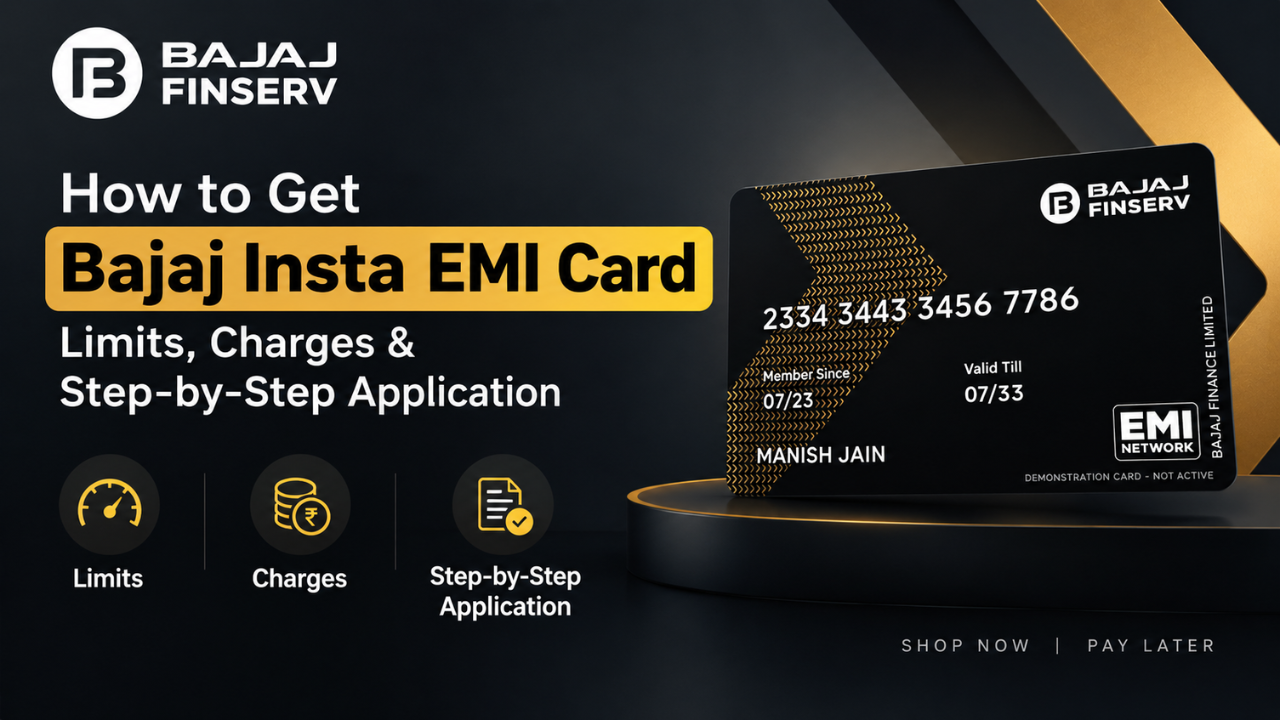
Looking for a smarter way to buy your favorite gadgets, home appliances, and lifestyle products without paying the full amount upfront? The Bajaj Finserv Insta EMI Card (widely known as the No Cost EMI Card) is your ultimate financial companion. With spending limits up to ₹3 Lakhs and a 100% digital onboarding process, shopping on flexible installments has never been easier!
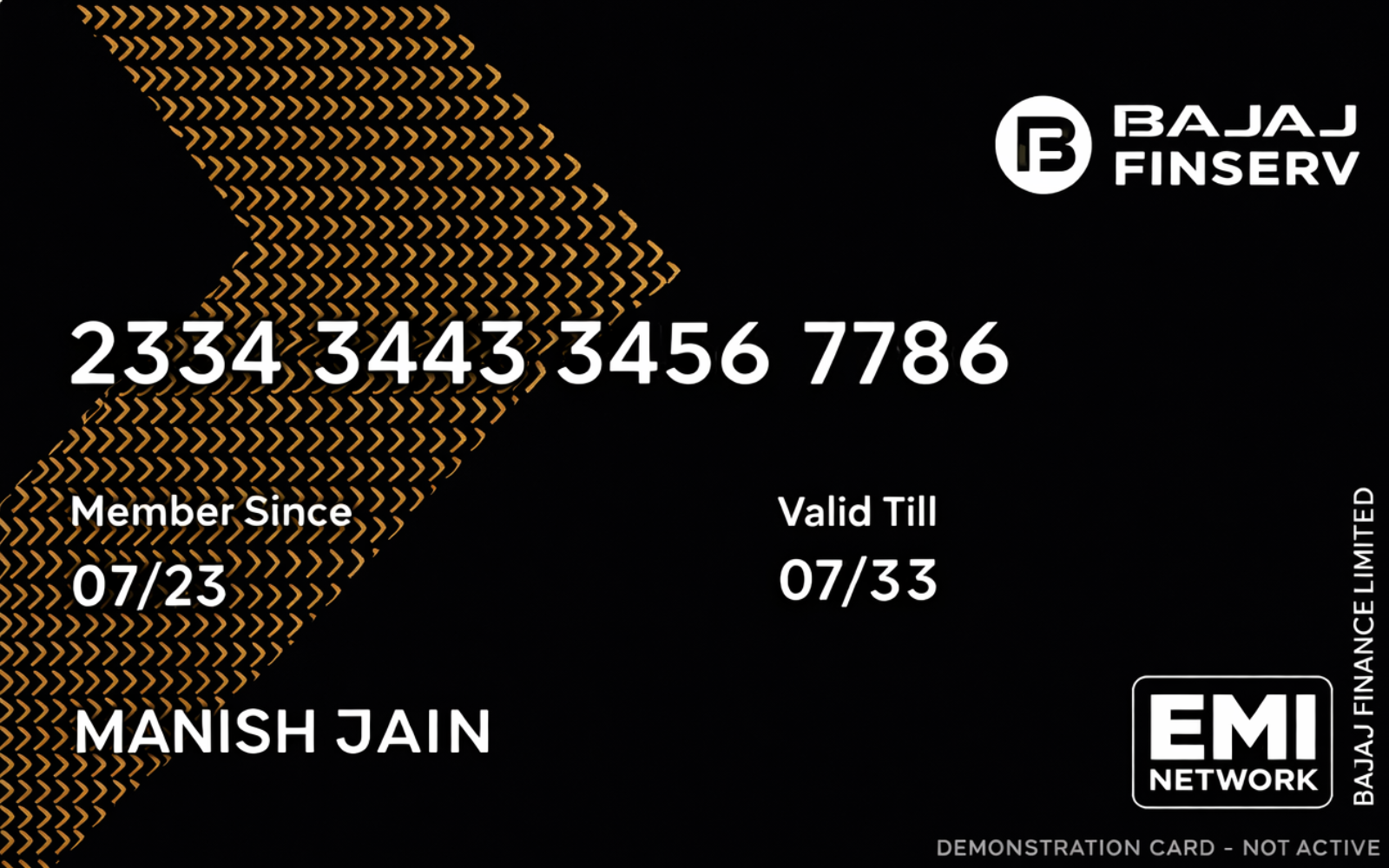
✨ Get Limits Up To ₹3 Lakhs with 100% Digital Process
🎁 Exclusive Limited-Time Offer!
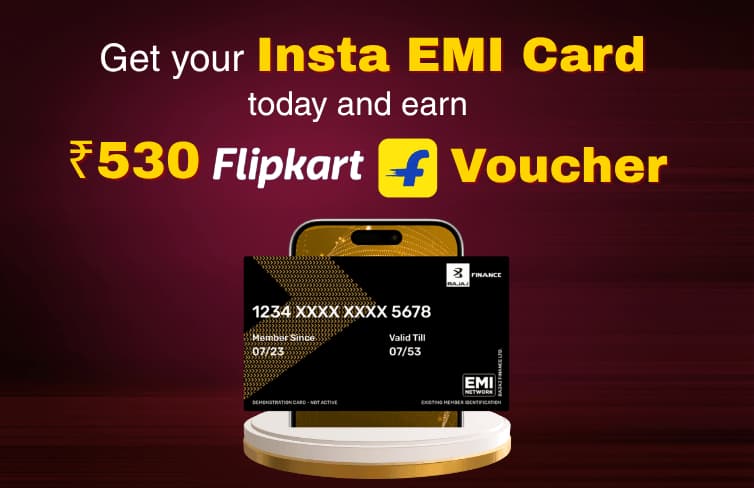
If you apply right now using our special link below, you will get a ₹530 Flipkart Gift Card! This effectively makes your card joining fee 100% FREE! Don't miss out on this deal.
🚀 Apply Now & Claim Free Card💡 What is the Bajaj Insta EMI Card & Why Do You Need It?
The Bajaj Insta EMI Card is a digital credit tool that pre-approves you for a dedicated loan limit. Trusted by millions of customers across India, it lets you purchase over 1 million products across 100+ brand partners. Whether you are shopping on Amazon and Flipkart or booking tickets via MakeMyTrip and IRCTC, this card makes your payments pocket-friendly with zero interest charges.
- High Credit Limit: Enjoy pre-approved spending limits of up to ₹3,00,000 based on your profile eligibility.
- 100% Digital Journey: Complete your entire application and verification right from your smartphone in minutes.
- Zero Annual Fees: No hidden maintenance or recurring yearly charges after your initial setup.
🌐 1.5 Lakh+ Online & Offline Partners
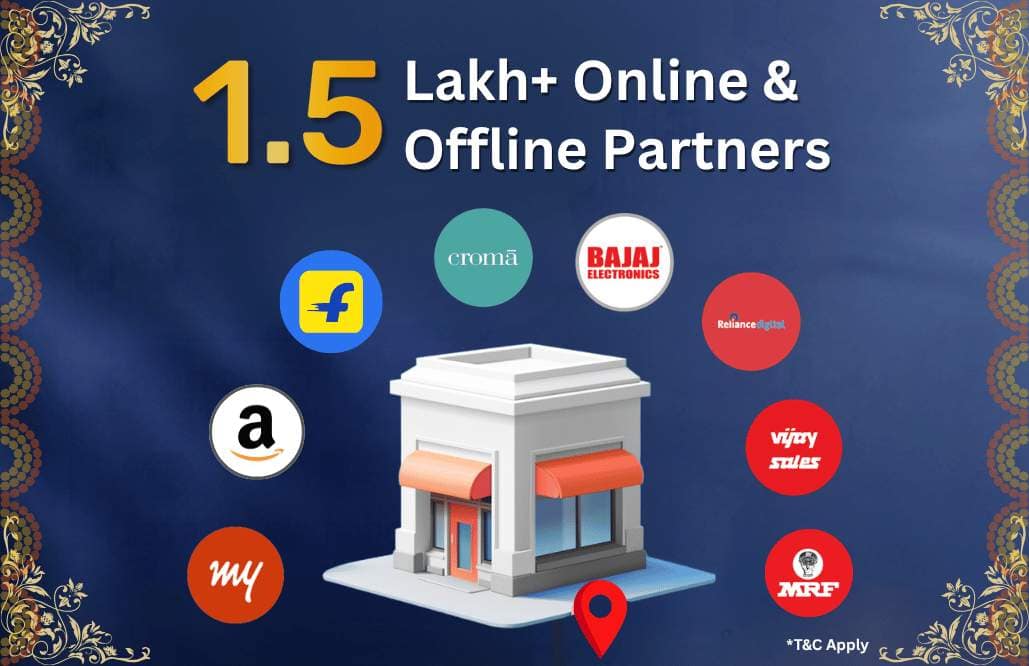
You can effortlessly use your Bajaj Insta EMI Card for No Cost EMI shopping across more than 1.5 Lakh+ online and offline partner platforms—including top retailers like Amazon, Flipkart, Croma, Reliance Digital, Vijay Sales, Bajaj Electronics, and many more!
💰 What are the Joining Fees and Charges?
When applying for the Insta EMI Card for the first time, a transparent, one-time joining fee of ₹530 (inclusive of applicable taxes) is charged during activation. However, by applying through our special link, you get a ₹530 Flipkart Gift Card back, making it completely free!
🛠️ Step-by-Step Guide: How to Apply Online
Applying for your card is quick, seamless, and paperless. Just follow these simple steps:
- Open the Official Portal: Click here to use our special application link to qualify for the cashback offer.
- Mobile Number Verification: Enter your active mobile number and submit the OTP.
- Enter Basic Details: Fill in your full name, date of birth, PAN card details (optional), pin code, city, and employment type (Salaried or Self-Employed).
- Check Your Pre-Approved Limit: Review your allocated credit limit on the screen and tap Proceed for Verification.
- DigiLocker KYC: Complete your identity verification smoothly through DigiLocker and grant necessary permissions.
- Confirm Address: Select whether to keep your permanent document address or input your current residential location.
- Pay Joining Fee: Clear the initial ₹530 fee securely via UPI apps (PhonePe, Google Pay, or Paytm) to lock in your Flipkart gift card offer.
📱 How to Activate and Use Your Card
Once your payment goes through, your card will be instantly activated. Take a quick look at how you can manage your digital card:
- Download and install the official Bajaj Finserv app from the Google Play Store or App Store.
- Log in using your registered mobile number and head over to the EMI Card section.
- View your digital card number, CVV, expiry date, and available balance. Complete a quick transaction at a partner store to fully kickstart offline usage!
🎉 Welcome Reward: Flat ₹1,000 Cashback!
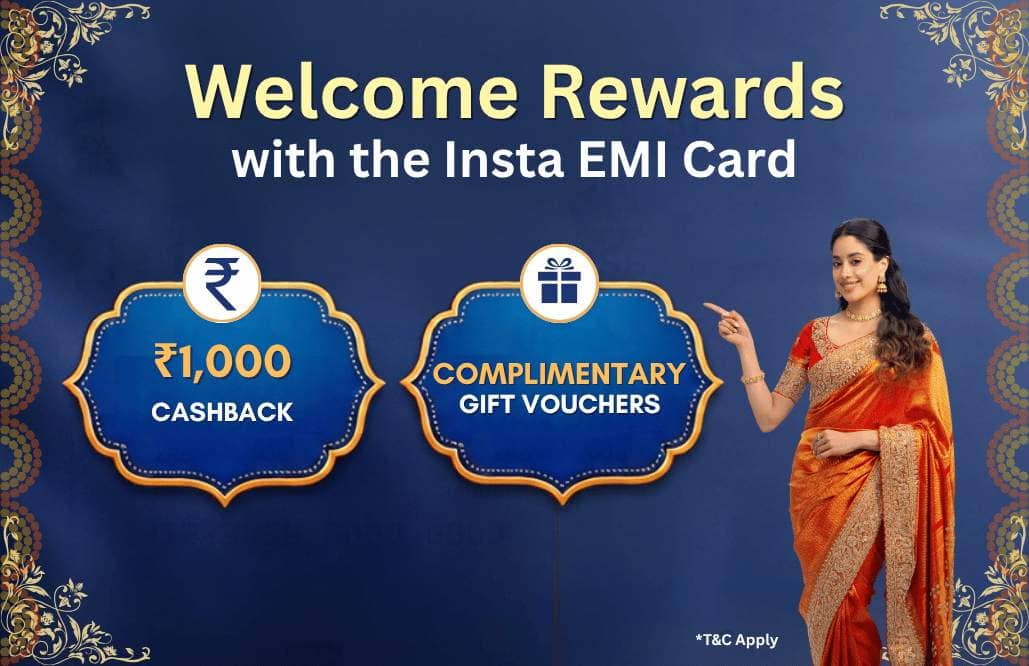
Did you know? You will get an assured Flat ₹1,000 Cashback on your 1st in-store (offline) transaction using your Insta EMI Card within 15 days of fee payment!
🛒 How it Works on Amazon
When you browse for high-value items (such as laptops, smartphones, or electronics) on Amazon, you will see available No Cost EMI options directly on the product details page under the offers section:

When you proceed to checkout and reach the payment gateway, follow these steps:
- Select the EMI payment method during checkout.
- Go to the 'Other EMIs' tab at the top of the payment options.
- Select 'Bajaj Finance Card' from the list.
- Choose your preferred tenure showing Interest: NoCost to convert your purchase into zero-interest installments!

🛍️ Planning to Shop in Upcoming Big Billion Days Sale or Great Indian Festival Sale?
If you are planning to do heavy shopping during major upcoming shopping events like the Big Billion Days sale or the Great Indian Festival sale, having this card ready will save you a ton of money! To make sure you never miss out on the absolute best deals, price drops, and exclusive discount updates during these mega sales, make sure to join our official shopping channel:
🛍️ How it Works on Flipkart
Just like Amazon, shopping on Flipkart using your Bajaj Insta EMI Card is completely seamless. When checking out with products like smart TVs or appliances, you will find instant loan offers under the pricing and offers section:
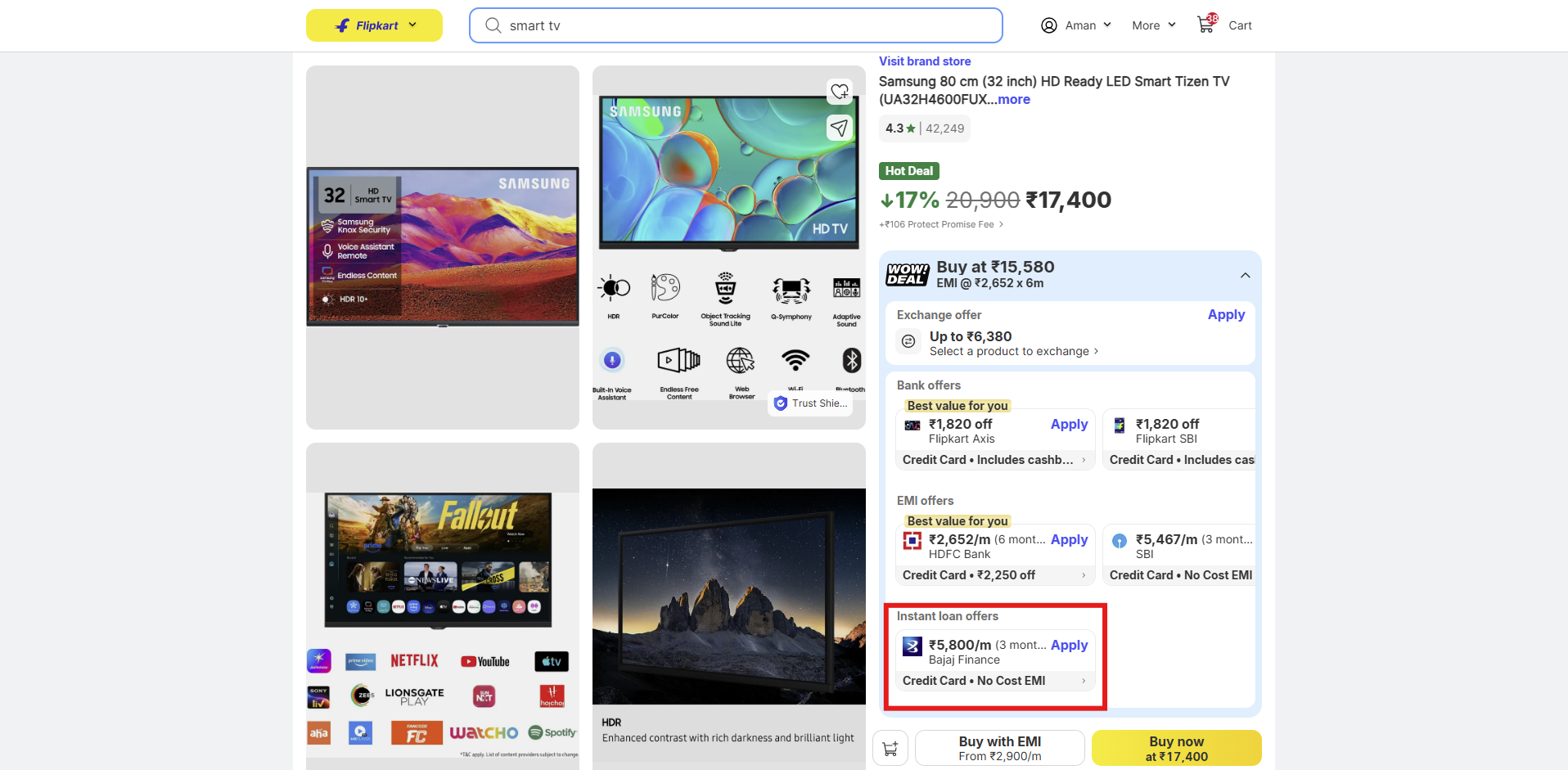
During final payment on Flipkart:
- Choose the EMI option and select Bajaj Finance.
You will see the complete breakdown showing 0% interest and No Cost EMI discount applied automatically, making your monthly installments completely hassle-free:

📢 Join Our Community for Daily Loot Deals & Updates!
Never miss out on fast-expiring loot alerts, credit card tricks, and shopping offers. Connect with us directly:
🎯 Ready to Get Started?
Convert heavy expenses into easy monthly installments without paying extra interest, and grab your free card offer right now!
👉 Apply via Official Link